

Google Search Console for Business Owners: Seven Reports Worth Checking

Google Search Console can look intimidating the first time you open it.
Graphs. Queries. Indexing reports. Sitemaps. Page experience information.
Fortunately, business owners do not need to spend every morning inside Search Console.
A handful of areas can provide surprisingly useful insight into how the website performs in Google.
1. Search Results Performance
This is where you can see organic impressions, clicks, click-through rate and average search position.
Instead of obsessing over the total numbers, look for patterns.
Which queries generate impressions?
Which pages receive clicks?
Are important service terms starting to appear?
This tells you how Google currently associates your website with searches.
2. Queries
The Queries view can reveal language customers actually use.
Sometimes businesses describe a service differently from the people searching for it.
That information can improve page copy, headings and future content ideas.
Look particularly for queries where you receive substantial impressions but comparatively few clicks.
3. Pages
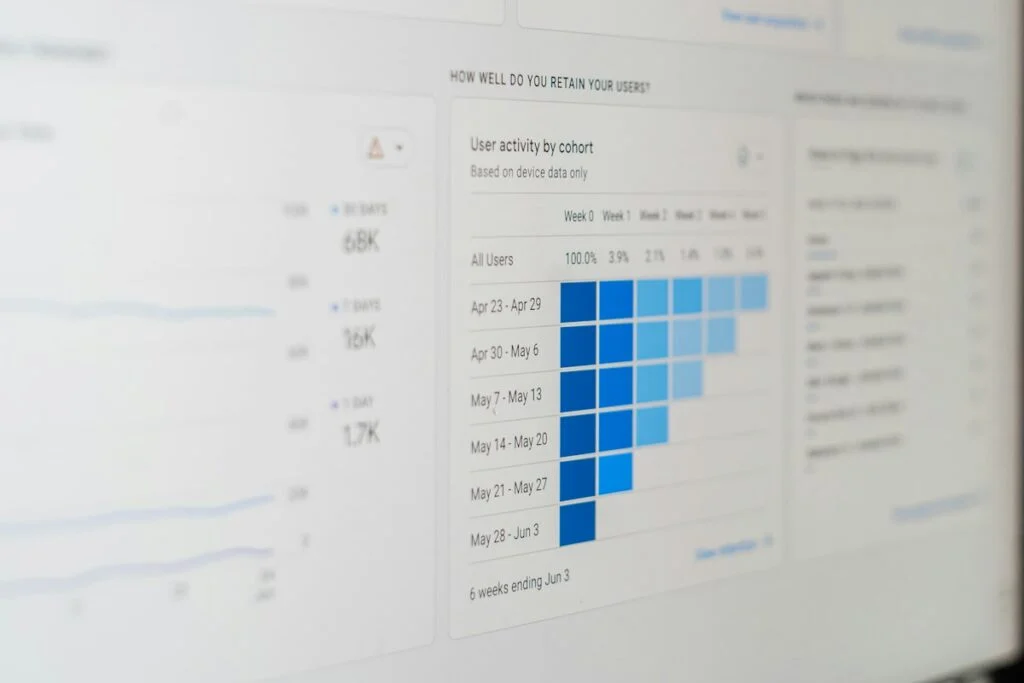
The Pages view shows which URLs attract organic search activity.
This can help identify unexpectedly strong content.
It can also reveal important service pages receiving almost no visibility.
Compare that with your business priorities.
4. Indexing
Search Console provides information about pages Google has indexed and pages it has not.
Not every URL needs to be indexed.
The concern is whether important pages are missing.
If your primary service page is excluded, investigate why.
5. URL Inspection
When you want to understand one specific URL, URL Inspection is extremely useful.
You can check whether the page is indexed and inspect Google’s information about it.
This is particularly useful after launching new or substantially updated pages.
6. Sitemaps
Your XML sitemap helps search engines discover important website URLs.
Search Console allows you to submit and review your sitemap.
If the sitemap is not being processed correctly, it is worth investigating.
7. Enhancements and Experience Reports
Depending on the site and available data, Search Console may provide information related to structured data and page experience.
These reports can help identify errors affecting particular website features.
Do not panic at every warning.
Understand what it means and whether it affects an important page.
What Search Console Cannot Tell You
Search Console shows valuable search data.
It does not know whether a lead closed into a $10,000 project.
Connect search performance with your broader analytics and CRM where possible.
SEO should eventually connect with business outcomes.
Build a Simple Monthly Routine
You do not need a complicated dashboard.
Once a month, ask:
- Are organic clicks changing?
- Which queries are growing?
- Which pages are gaining visibility?
- Are important pages indexed?
- Have new technical issues appeared?
- Are there content opportunities hidden in the query data?
That alone puts you ahead of many businesses that have Search Console installed but never open it.
Search Console does not make SEO decisions for you.
It gives you evidence.
And good SEO decisions should begin with evidence rather than assumptions.
Related reading
- SEO Content That Converts: Stop Writing for Traffic Alone
- Local SEO for Service Businesses: How to Get Found in Your Service Areas
- SEO for Small Business: What to Fix Before You Publish Another Blog Post
Where to go next
If you would like an outside read on what is holding your website back in search, my search engine optimization service begins with an audit of what is actually true about the site today. You can also tell me what you are trying to fix and I will tell you honestly whether it is worth paying someone to solve.